Three Ways to Log.
Zero Excuses.
Profitable traders log every trade — so we built three input methods to make the habit effortless. Entry/exit prices, direct P&L, or daily totals. Pick the method that matches your data. Every trade updates your stats instantly.
Log Your First Trade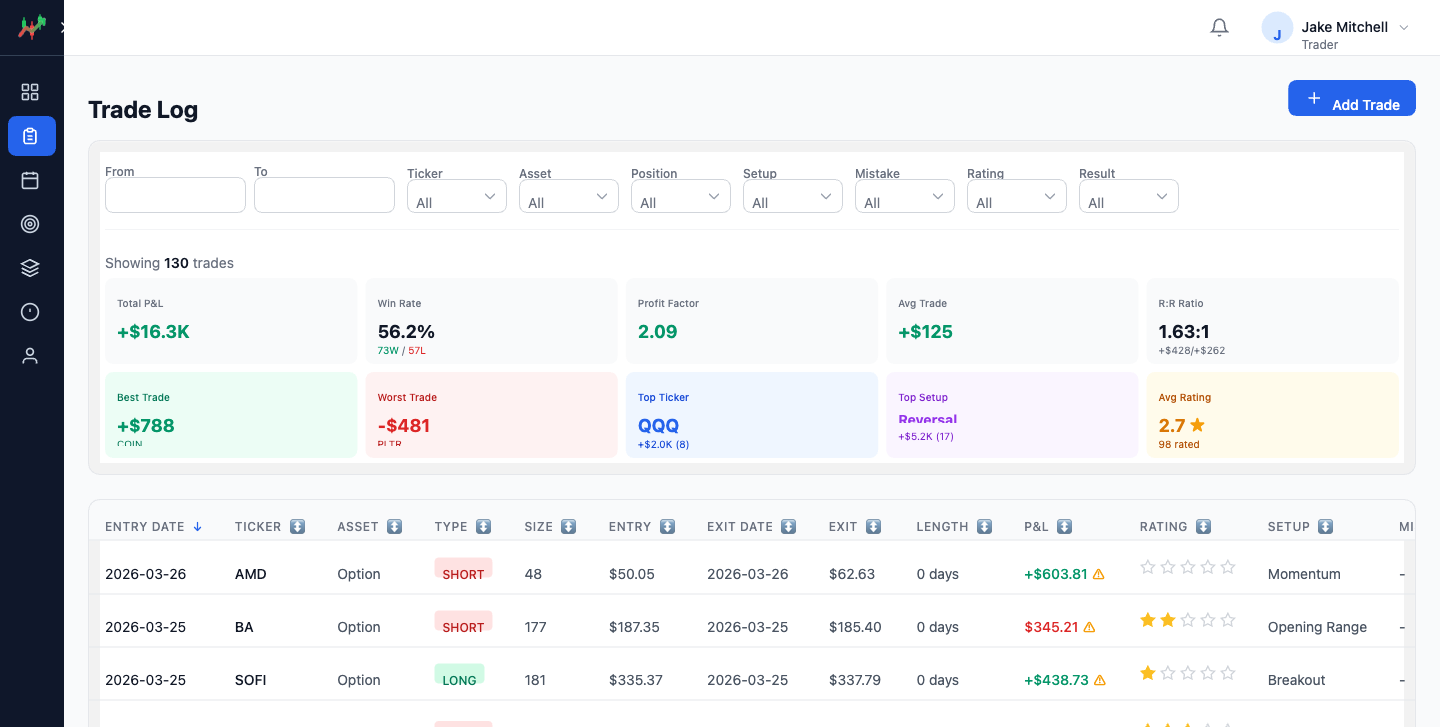
You skip journaling because it takes too long.
The form asks for 12 fields. You have 30 seconds between trades. By the time you open a spreadsheet, the next setup is gone.
ohYaaa gives you three ways to log — so you can pick the method that matches your data and your pace. Entry prices from your broker? Direct P&L from your statement? Just your daily total? All three work.
Entry/Exit Prices
The detailed method. Enter your entry price, exit price, and position size — we calculate P&L automatically. Trade length calculated from dates. Supports long and short.
- Auto-calculated P&L
- Long and short positions
- Trade length from dates
Direct P&L
Just know you made $150? Enter it directly. No need to dig up entry and exit prices. One field. Positive or negative. Done.
- Single field entry
- Positive or negative values
- Fastest method
Daily Total
Enter your running daily P&L total, and we calculate what this trade contributed. Shows other trades on that day. Real-time calculation preview.
- Enter daily total, we do the math
- Shows other trades on that day
- Real-time preview
What changes when every trade is captured.
Every trade captured before you forget
Not minutes. Not “I'll do it later.” Seconds.
Every stat updated instantly
Win rate, P&L, setup performance — all real-time.
Every excuse eliminated
Three methods means there's always one that fits.
Logged by you, on purpose.
ohYaaa does not import trades from your broker. Recording a trade is the first review: you assign the setup, name the mistake and note why you took it while the trade is fresh. An imported trade arrives without any of that.
Why manual logging makes a better journal · most trades take under 10 seconds.
Built for the way trades actually happen
Beyond a single entry and a single exit.
Scale in and out
Add a row for every entry and exit. ohYaaa works out your average entry, average exit and realized P&L on the size you actually exited. How scaling is calculated.
Commissions and fees
Set your all-in fee per contract per side once in your Profile; new futures trades subtract it so P&L matches your broker. Override it on any trade. Why fees belong in your journal.
Trade triggers
Tick what made you take the trade, from a list you define, and see which reasons make or lose money. Setup versus trigger.
Hover to preview
Hover a trade row to see its full details, time-stamped notes and an enlarged screenshot without leaving the list.
Frequently asked questions
Can I log a trade with several entries and exits?
Yes. The Entry/Exit tab is a list of fills; ohYaaa works out average entry, average exit and realized P&L on the size exited.
Does ohYaaa include commissions and fees?
Yes. Set a per-contract, per-side futures fee in your Profile and override it on any trade.
What are trade triggers?
The reason you took a trade, from a list you define. Reports show which triggers make or lose money.