ohYaaa Works With
Every Broker. Today.
Fast manual logging takes under 10 seconds per trade. Enter ES or MNQ and we calculate your P&L automatically. CSV import and OAuth auto-sync are on the roadmap — here's where we're at.
Start Logging Trades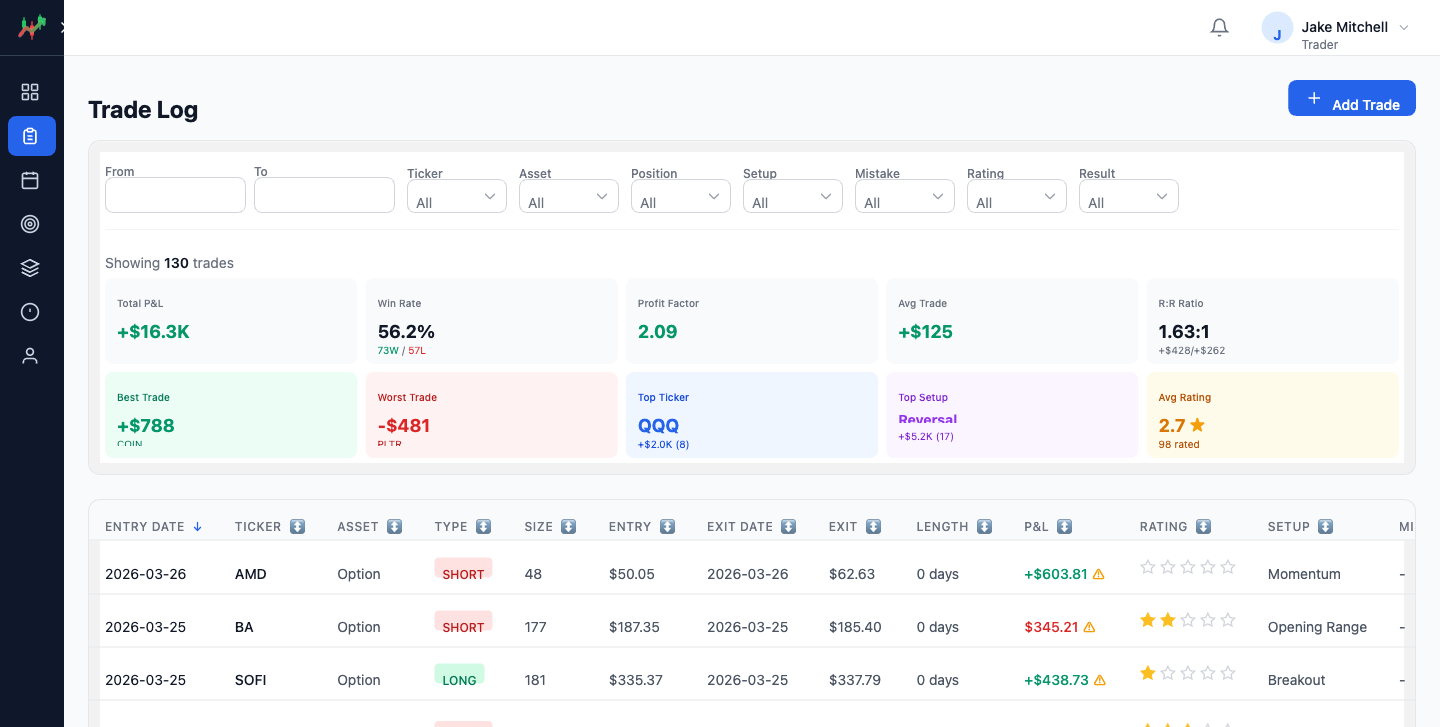
Every broker works today — through fast manual logging.
ohYaaa doesn't need a direct broker connection to work. The three input methods (entry/exit prices, direct P&L, or daily total) let you log any trade from any broker in under 10 seconds. For futures traders, we auto-calculate P&L from tick values so you never have to do the math.
Manual Entry (Any Broker)
Log trades from Tradovate, NinjaTrader, Interactive Brokers, thinkorswim, Webull, Robinhood, or any other broker. Three input methods, under 10 seconds per trade.
Auto P&L for 23 Futures Contracts
Enter ES, MNQ, CL, GC, or any of 23 supported contracts and we calculate P&L using real tick values. No manual math required.
Multi-Account Support
Track unlimited accounts across different brokers. Tag each account with its broker name for easy filtering in analytics.
Broker integrations are coming.
We're building direct integrations with the brokers futures traders use most. Here's the priority order:
Tradovate CSV Import
Upload exported Tradovate trade reports directly.
NinjaTrader CSV Import
Upload NinjaTrader trade exports.
Rithmic CSV Import
Upload Rithmic-format trade files.
Generic CSV Mapper
Upload any broker's CSV with a column-mapping wizard.
Tradovate OAuth Auto-Sync
Connect your Tradovate account once, trades import automatically.
NinjaTrader Brokerage Auto-Sync
Since NT Brokerage runs on Tradovate infrastructure, this comes with Tradovate OAuth.
Here's the honest take.
Manual logging sounds like a chore until you try it. Most ohYaaa users log their trade in under 10 seconds because the form is built for speed — not data entry.
Auto-import has a hidden cost: you don't review your own trades. Manual logging forces a brief pause after every trade that most pro traders say is the single most valuable part of journaling.
We'll ship import when it's ready. In the meantime, the 10-second manual flow isn't a workaround — it's a feature.
"I was waiting for a Tradovate integration before committing to a journal. Then I tried ohYaaa's manual logging on a whim and realized it takes me 8 seconds per trade. Entry, exit, setup tag, done. Auto P&L from tick values. I've logged every trade for 5 months. The forced pause after each trade has done more for my discipline than any automation could."
Marcus T.
Futures trader, ES & NQ — 3 years
The journal is ready. Your broker doesn't matter.
Start Logging TradesNo credit card. No paywalls. Works with every broker today.